
You’ve spent time building a beautiful website, writing great content, and optimizing it for search engines yet it still doesn’t appear on Google. Frustrating, right? The issue might not be with your keywords or design, but something more basic, your site might not be indexed.
Indexing is how Google adds your pages to its search library. If your website isn’t indexed, it’s like writing a book and never placing it on a shelf. No matter how good your content is, people won’t be able to find it.
In this article, we’ll explain why your website might be invisible to Google, what causes indexing issues, and how you can fix them to make sure your audience and Google can actually find you.
What Does “Indexing” Really Mean in SEO?
Before your website can appear on Google, it needs to be indexed. Here’s what that really means explained in a simple, easy-to-understand way:
- Indexing is how Google stores your web pages: After discovering your pages through crawling, Google adds them to its search database so users can find them later.
- Think of Google as a giant library: Crawling is like finding a new book, and indexing is like placing that book on the shelf. If your website isn’t indexed, it’s like your book never got added and no one can read it.
- No indexing means no visibility: Even if you’ve created great content and optimized your pages, Google can’t show them in search results unless they’re indexed.
- Indexing comes before ranking: Keywords and backlinks only matter after your pages are indexed. It’s the foundation of every successful SEO strategy.
- Proper indexing helps Google understand your content: Once indexed, Google can analyze your pages, match them with search queries, and display them to the right audience.
How to Check If Your Website Is Indexed by Google
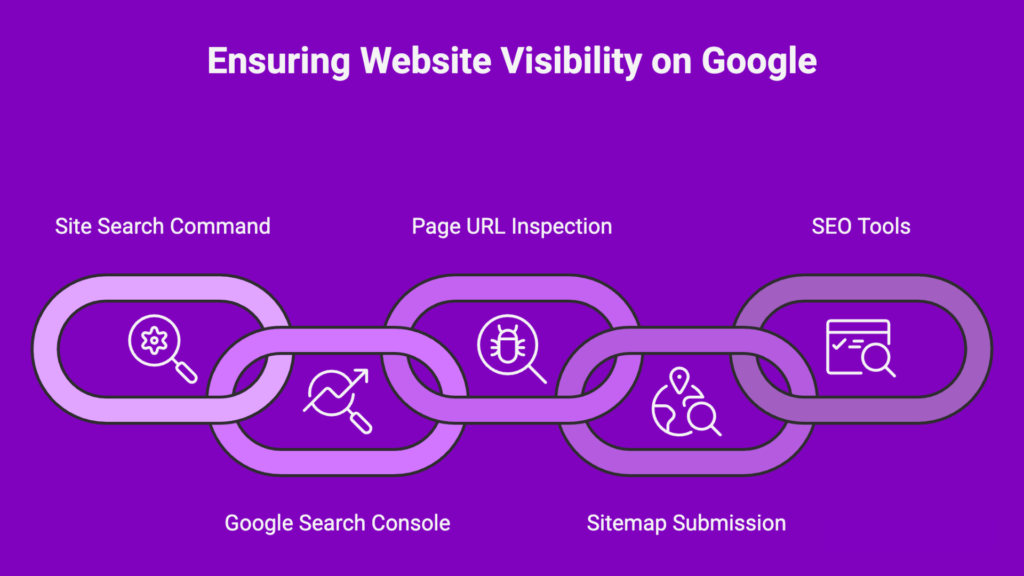
Wondering if Google has actually indexed your website? Don’t worry checking your indexing status is quick and simple. Here’s how you can do it step-by-step:
1. Use the “site:” search command
- Go to Google and type site:yourdomain.com (replace it with your actual domain).
- The results will show all the pages from your website that Google has indexed.
- If you see “no results found,” it means your site isn’t indexed yet.
2. Check in Google Search Console
- Log in to Google Search Console (a free tool by Google).
- Go to Indexing → Pages to see which pages are indexed and which aren’t.
- Pages labeled as “Crawled – currently not indexed” or “Discovered – currently not indexed” need your attention.
3. Inspect a specific page URL
- In Search Console, use the URL Inspection Tool and enter the exact page link.
- You’ll see whether the page is indexed and, if not, what issues are stopping it.
4. Check your sitemap submission
- A sitemap helps Google discover your pages faster.
- Go to Sitemaps in Search Console and make sure your XML sitemap has been submitted successfully.
5. Use SEO tools for double-checking
- Tools like Ahrefs, SEMrush, or Ubersuggest can also show you which pages are indexed.
Regularly checking your site’s indexing status ensures that all your important pages are visible to both Google and your visitors.
Common Reasons Why Google Isn’t Indexing Your Website
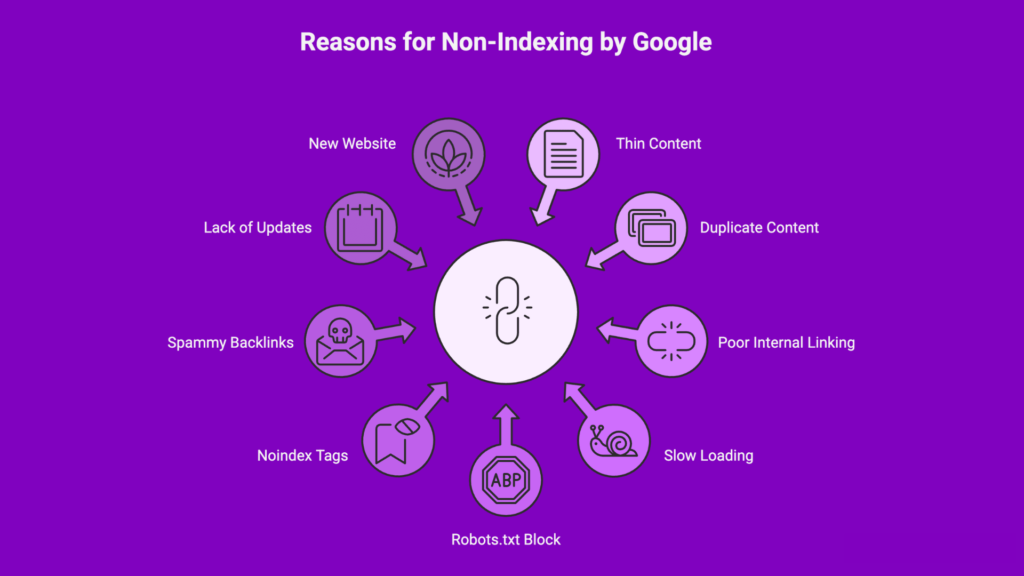
If your website isn’t showing up on Google, it usually means something is stopping Google from crawling or indexing your pages properly. Here are the most common reasons and what you can do about them:
1. Thin or Duplicate Content
- Pages with little or repetitive content don’t give Google enough reason to index them.
- Fix it: Write original, valuable, and detailed content that answers user questions and adds real value.
2. Poor Internal Linking
- If your pages aren’t linked properly, Google’s crawlers may never find them.
- Fix it: Build clear internal links that connect related pages and help Google navigate your site easily.
3. Slow-Loading Website
- A website that loads slowly discourages both users and search engines.
- Fix it: Optimize images, enable caching, and use a fast hosting provider to improve speed.
4. Blocked by Robots.txt or Noindex Tags
- Sometimes, pages are accidentally blocked by your robots.txt file or have a noindex tag added.
- Fix it: Check your site’s robots.txt file and page meta tags to ensure important pages aren’t blocked.
5. Low-Quality or Spammy Backlinks
- Poor-quality backlinks can lower your site’s trust in Google’s eyes, affecting crawling and indexing.
- Fix it: Focus on earning backlinks from trusted, relevant websites in your niche.
6. Lack of Fresh or Updated Content
- Google prefers websites that stay active and regularly update their content.
- Fix it: Publish new posts, refresh old content, and keep your website dynamic.
7. New Website or Domain
- If your site is brand new, Google might just need more time to discover and index it.
- Fix it: Submit your sitemap through Google Search Console and build some initial backlinks to help Google find you faster.
By addressing these issues, you’ll make it easier for Google to crawl, index, and display your website in search results.
How to Fix Indexing Issues and Get Your Site on Google
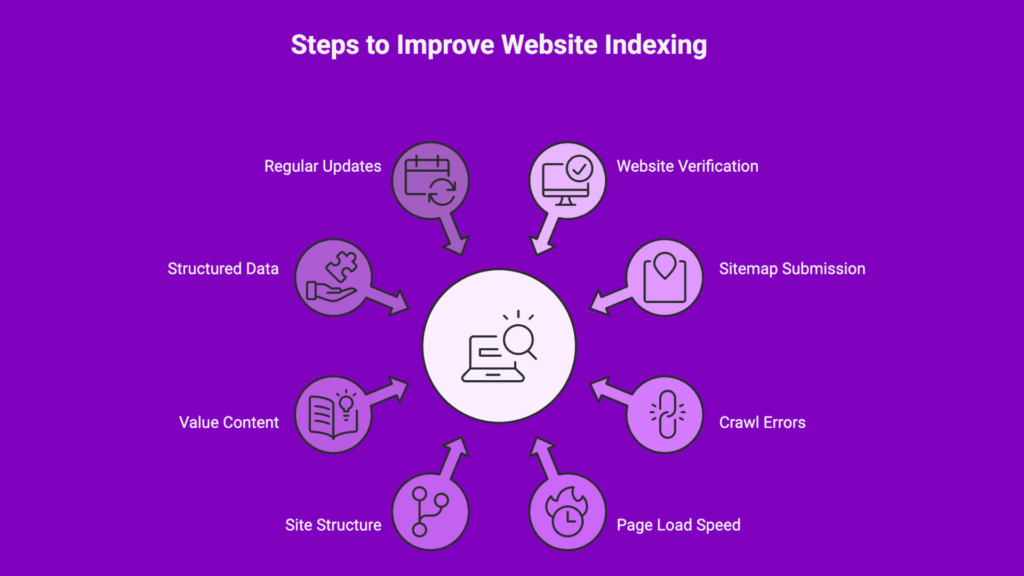
If your website isn’t appearing on Google, the good news is that most indexing problems can be fixed with a few smart SEO steps. Here’s what you need to do to get your site noticed and properly indexed:
1. Verify Your Website in Google Search Console
- Start by adding and verifying your site in Google Search Console.
- This gives you direct insights into how Google views your pages and helps you identify crawling or indexing errors quickly.
2. Submit Your Sitemap
- A sitemap is like a roadmap that guides Google through your website’s pages.
- Create and submit an XML sitemap in Search Console to help Google discover and index your pages faster.
3. Fix Crawl Errors and Broken Links
- Check for crawl errors in Search Console and resolve issues such as broken links or 404 pages.
- Make sure your internal links are clean, logical, and point to important pages.
4. Improve Page Load Speed
- A slow site can prevent Google from crawling all your pages efficiently.
- Use tools like Google PageSpeed Insights to identify performance issues and optimize images, scripts, and hosting.
5. Optimize Site Structure and Navigation
- A clear, organized structure makes it easier for both users and Google to navigate your website.
- Use simple menus, proper internal linking, and descriptive URLs to enhance crawlability.
6. Ensure Every Page Offers Real Value
- Avoid thin or duplicate content.
- Write useful, unique, and keyword-optimized pages that genuinely help your audience, that’s what Google prefers to index.
7. Use Structured Data (Schema Markup)
- Schema markup helps Google understand your content better and may boost your visibility in search results.
- Apply structured data to key pages like products, blogs, or services.
8. Regularly Update and Monitor Your Site
- SEO is an ongoing process.
- Keep publishing fresh content, updating old pages, and checking Search Console for any new indexing issues.
By following these steps, you’ll make it easy for Google to crawl, understand, and index your website ensuring your business gets the visibility it deserves.
Conclusion: If Google Can’t Find You, Neither Can Your Customers
Your website may look great and offer amazing content, but if Google hasn’t indexed it, it’s practically invisible to your audience. Indexing is the foundation of all SEO efforts without it, even the best optimization, keywords, or backlinks won’t help you rank.
The key is to focus on making your site easy for Google to find, understand, and trust. Regularly monitor your indexing status, fix technical issues, and keep your content fresh and valuable. Once your pages are properly indexed, every other SEO strategy you apply will start delivering results.
Remember, visibility begins with indexing. If Google can’t find you, your potential customers can’t either.Need expert help identifying and fixing your website’s indexing issues? Infometrix Technologies can help you get your site fully visible on Google and bring your business in front of the right audience.